Skip to content

Agent activity and usage

Your agents, at a glance.

See which chats are running, finished, or waiting for you. Check your Codex allowance and reset times across your Apple devices.

Supported agents

  • Codex
  • Claude Code
  • Grok
  • Kimi Code
  • Qwen Code
  • MiniMax Code
  • TRAE
  • CodeBuddy
  • Qoder CN
  • Cursor
  • Antigravity
  • GLM
  • OpenCode Go
Reset planner

Across your Apple devices

At your desk. On the go.

Follow your agents from your Mac, iPhone, iPad or Apple Watch.
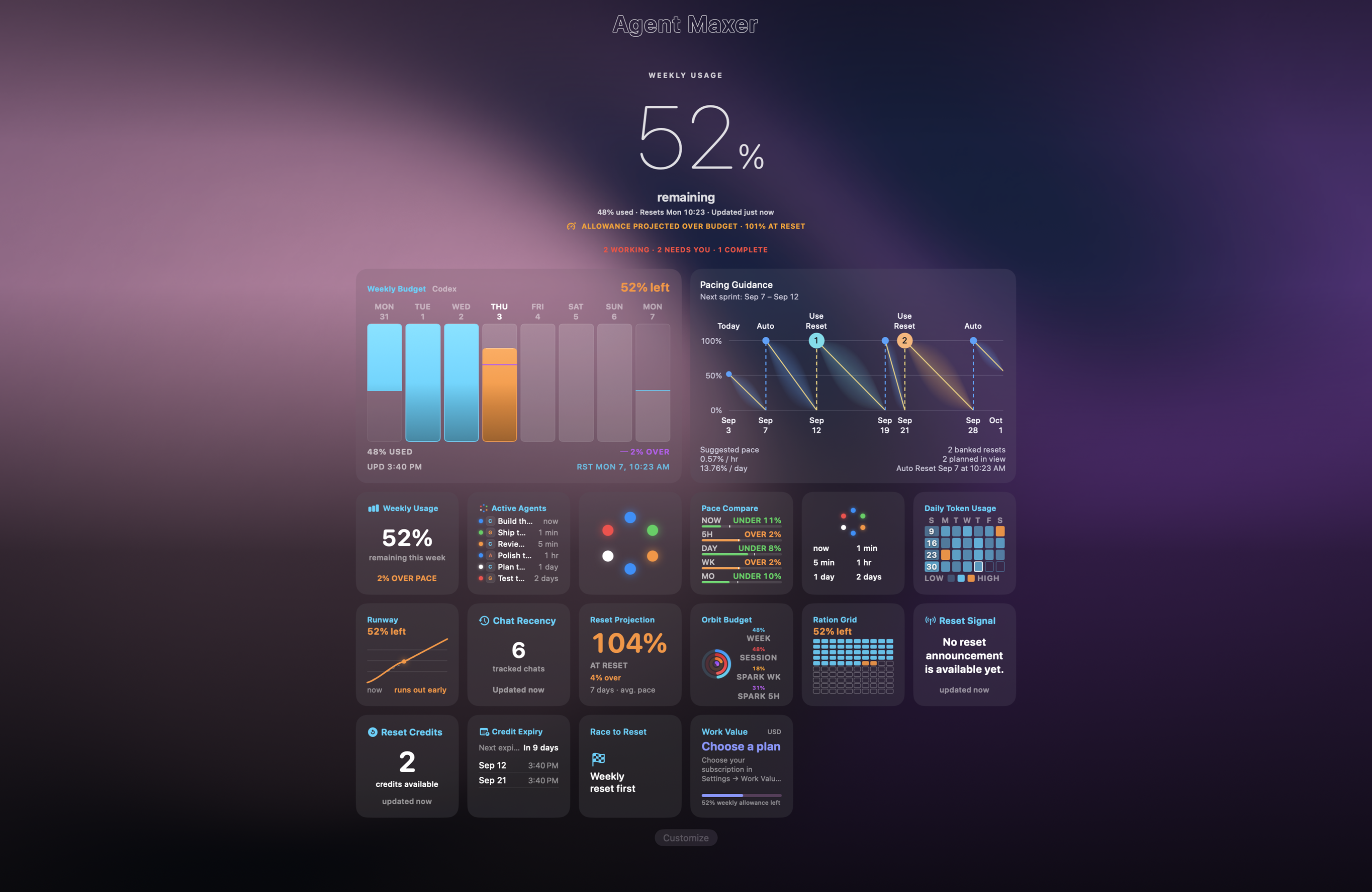
Agent Maxer on Mac showing the activity and usage dashboard.
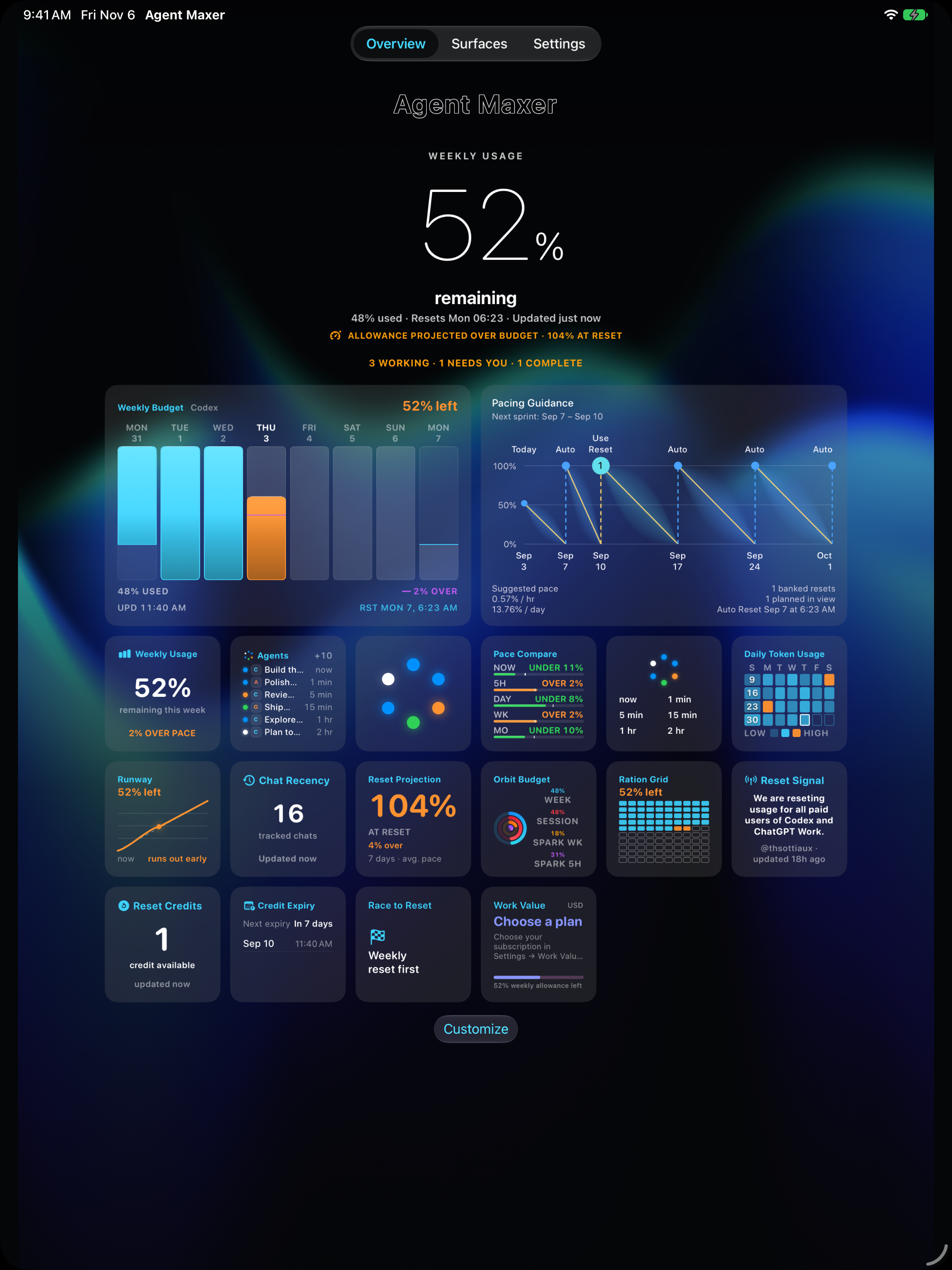
Agent Maxer on iPad showing usage charts and active chats.
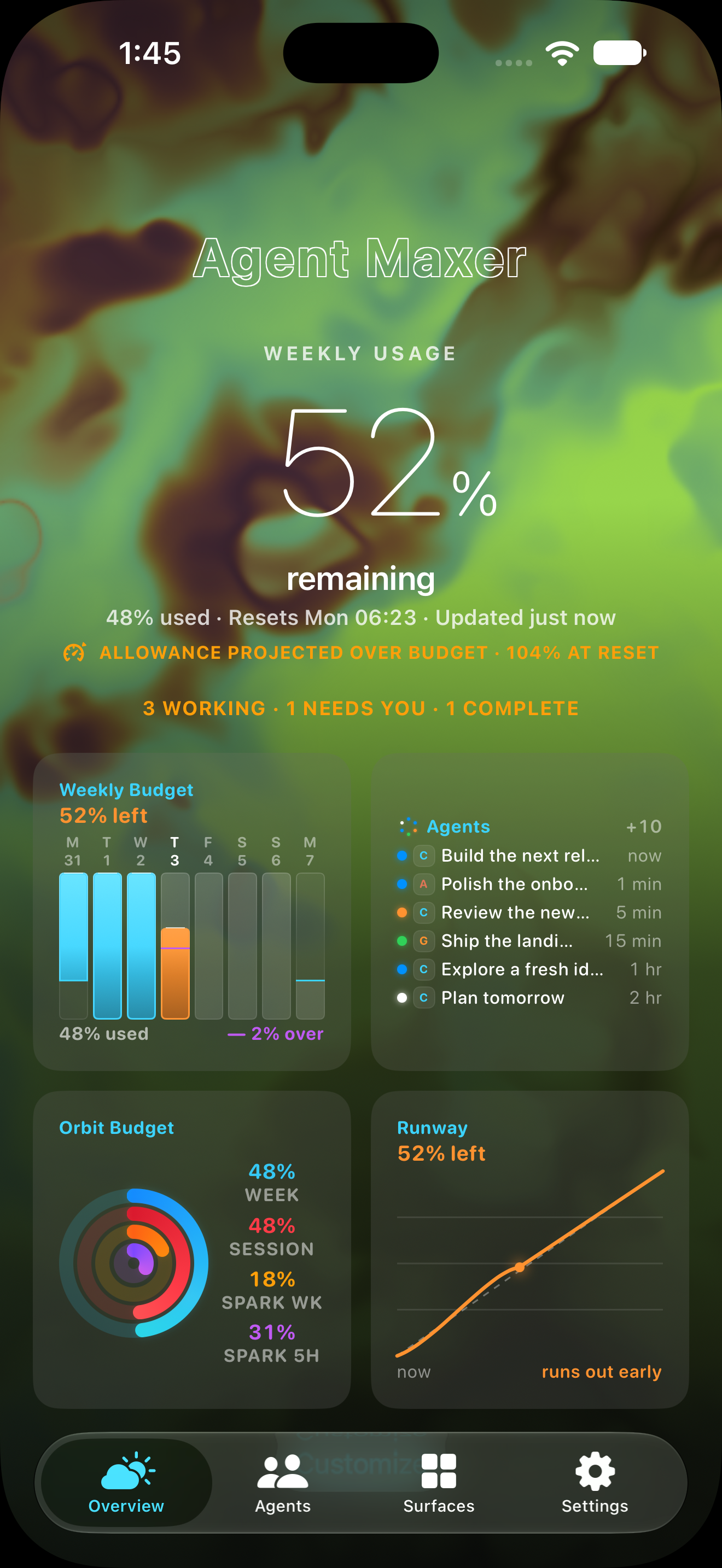
Agent Maxer on iPhone showing weekly usage and widgets.
iPhone Duo StandBy mockup.
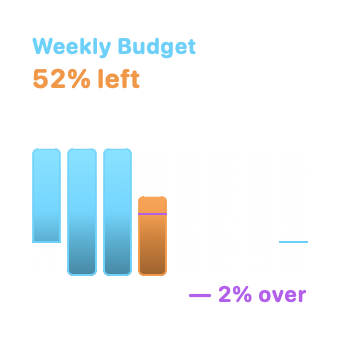
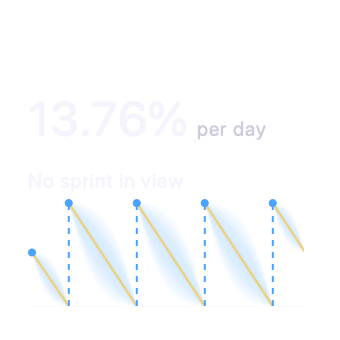
Weekly BudgetPacing Guidance
App previews with sample data.
Mac
Connect your agents and see your activity and usage dashboard.
iPad
See usage charts and chat activity on a larger screen.
iPhone
Check progress without returning to your desk.
StandBy
Keep your remaining Codex allowance and weekly pace in view without opening the app.

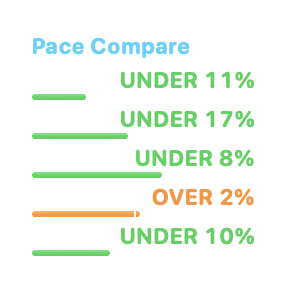
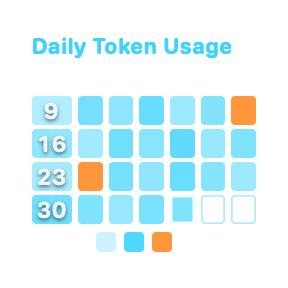
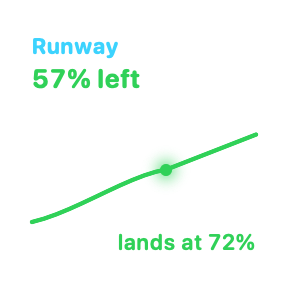
Explore the widgets

How it works

Connect on your Mac. Check in from your other devices.

Keep your Mac awake and online to receive new updates.
01

Connect your agents.

Install Agent Maxer on your Mac and connect the agents you use.

02

Choose your chats.

Choose up to six chats to follow. See when they are working, finished, or waiting for you.

03

Sign in on your other devices.

Use the same Agent Maxer account on your iPhone or iPad to see updates from your Mac.

Live Activities & Dynamic Island

On your Lock Screen.
In Dynamic Island.

Keep your remaining Codex allowance and weekly pace in view without opening the app.
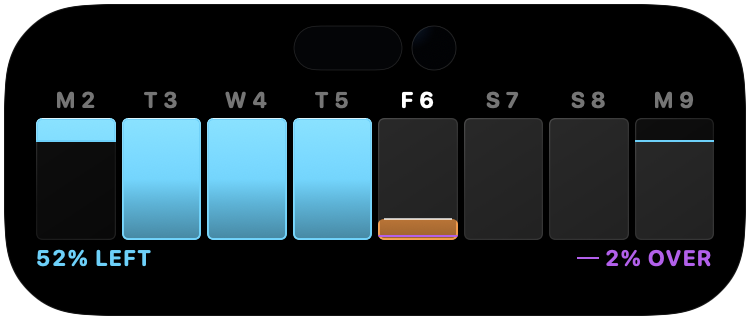
Dynamic Island
Check your allowance while using other apps. Press and hold to see your weekly budget.
Lock Screen Live Activity
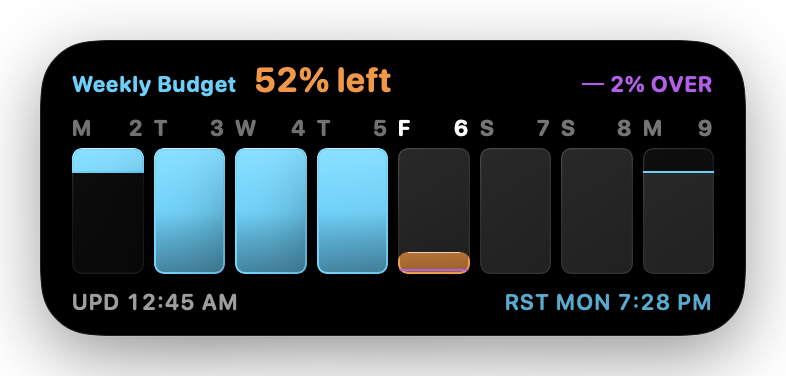
See your weekly usage, remaining allowance and next reset at a glance.
Compact Dynamic Island showing the remaining Codex allowance.
Compact Dynamic Island
Expanded Dynamic Island showing the Weekly Budget chart and usage pace.
Expanded Dynamic Island
Lock Screen Live Activity showing Weekly Budget, remaining allowance and the next reset.
Lock Screen Live Activity

Previews show sample data.

Your project files stay local.

Agent Maxer syncs chat titles, status and usage between your signed-in devices. It does not upload your project files or agent credentials. Titles and shared responses can include conversation content.

How Agent Maxer handles your data
Project files
Agent Maxer does not upload the files in your repositories.
Chat updates
Titles, status and usage sync through Agent Maxer's servers.
Response text
Shared responses are encrypted on your Mac before upload.

Get Agent Maxer.

For Mac

Connect your agents and open your dashboard.

Download for Mac

For iPhone

Follow your chats with Live Activities, Dynamic Island and widgets.

Download for iPhone