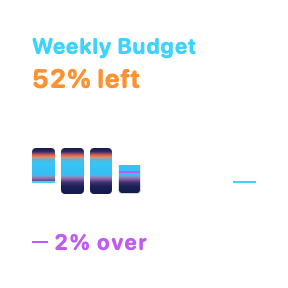
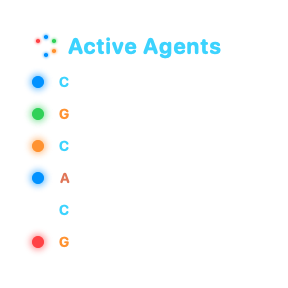
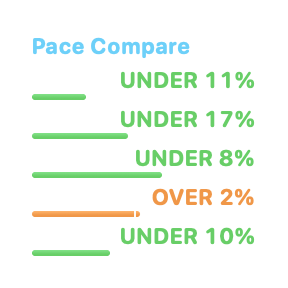
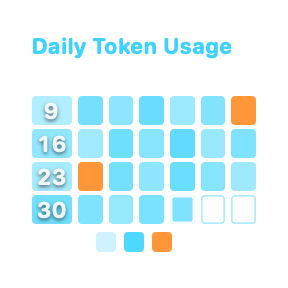
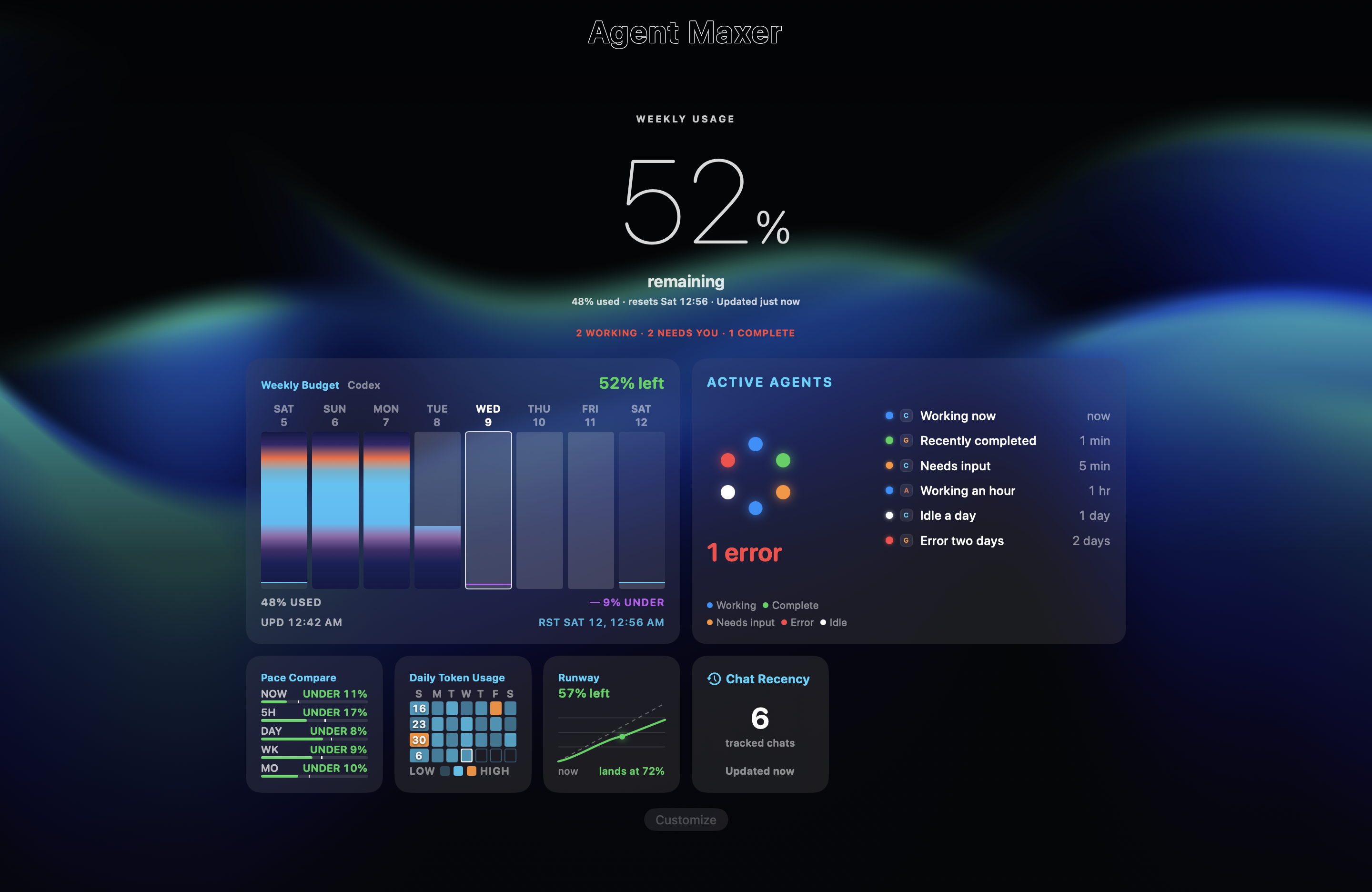
Track your AI chats and Codex usage across Mac, iPhone, and Apple Watch. See what's running, what needs your attention, and how much allowance you have left.
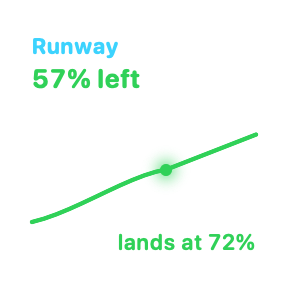
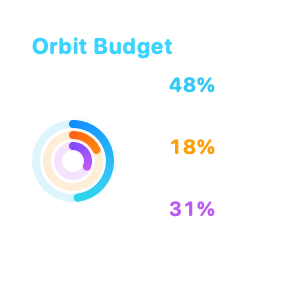
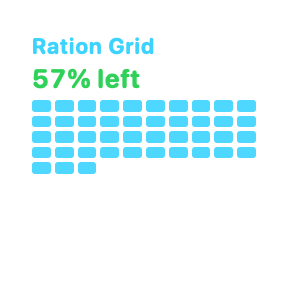
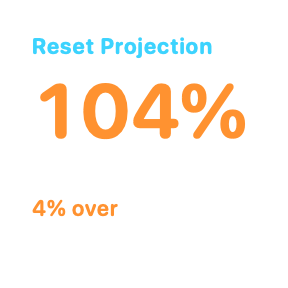
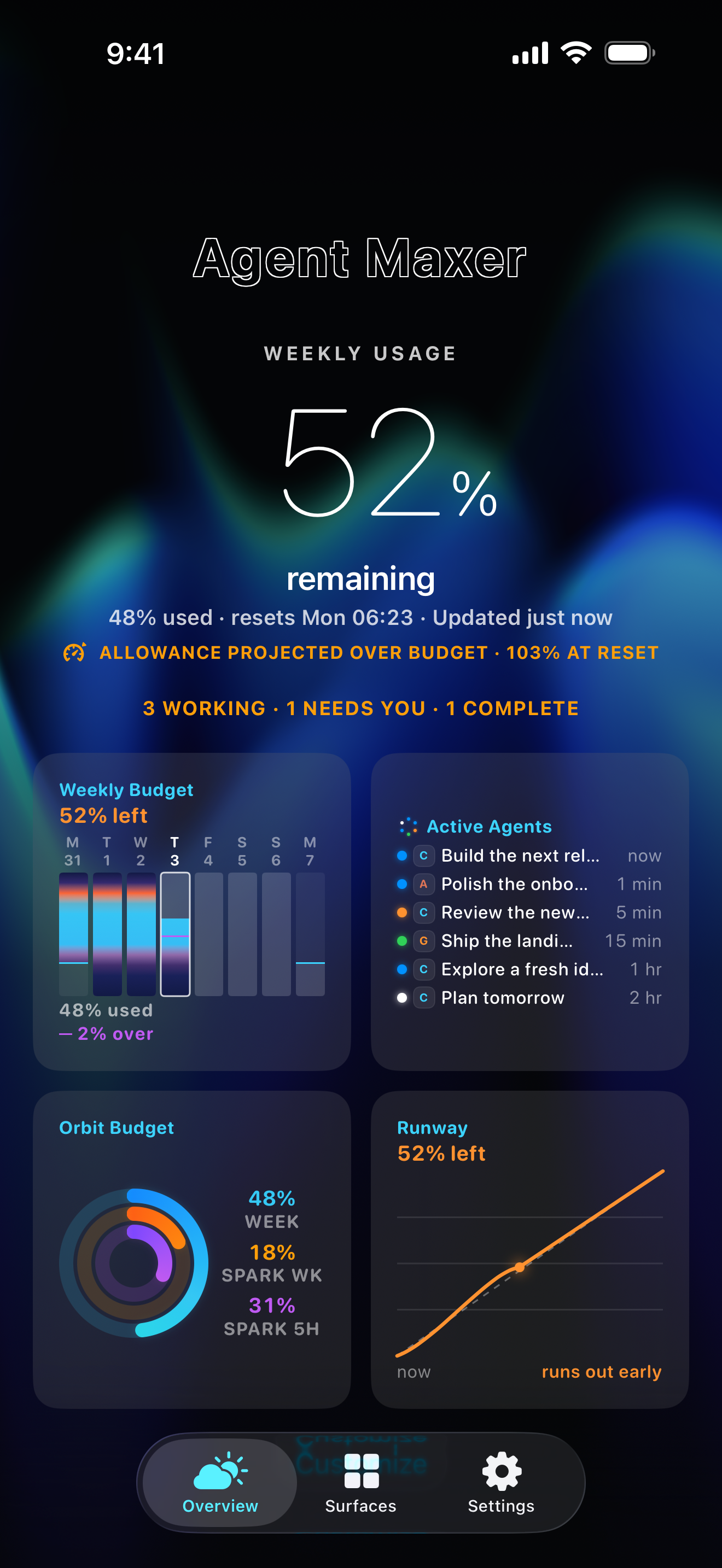
Weekly Budget, rendered by the native SwiftUI Overview surfaceActive Agents, rendered by the native SwiftUI Overview surfaceBeacon, rendered by the native SwiftUI Overview surfacePace Compare, rendered by the native SwiftUI Overview surfaceDaily Token Usage, rendered by the native SwiftUI Overview surfaceRunway, rendered by the native SwiftUI Overview surfaceChat Recency, rendered by the native SwiftUI Overview surfaceOrbit Budget, rendered by the native SwiftUI Overview surfaceWeekly Usage, rendered by the native SwiftUI Overview surfaceRation Grid, rendered by the native SwiftUI Overview surfaceReset Projection, rendered by the native SwiftUI Overview surfaceReset Signal, rendered by the native SwiftUI Overview surfaceReset Credits, rendered by the native SwiftUI Overview surfaceBeacon Times, rendered by the native SwiftUI Overview surface
Your devices
On Mac, iPhone, iPad, and Apple Watch.
Use the Mac app at your desk, review the full dashboard on your iPad, or check your phone and Watch while you're out.
Native app and Watch previews in device frames. Sample data.
Mac
Connect your agents and keep chat status and usage available across your signed-in devices.
iPad
Keep usage, budgets, and chat status together in the full Overview.
iPhone
Check current usage and chat status when you're away from your desk.
Apple Watch
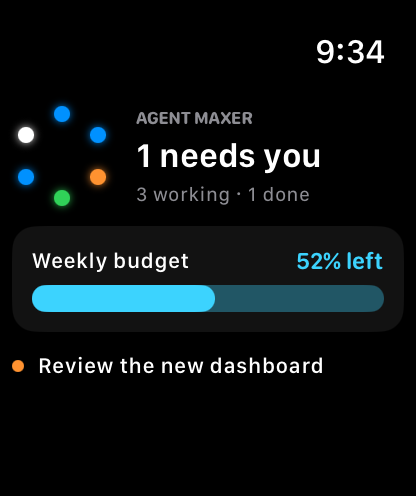
See which chats need attention with a glance at the status dots.
Install Agent Maxer on your Mac, connect your agents, then sign in to the same Agent Maxer account on your iPhone. Your Mac provides ongoing chat and usage updates.
01
Track your chats
Choose Recent or Pinned to follow up to six chats. The Mac app sends their status to your other signed-in devices as it changes.
Agent Maxer shares chat details and usage data with devices signed in to your account. Repository contents and agent credentials are not part of the status payload; titles and optional speech responses can contain conversation text.
Check up to six chats from your iPhone. See each chat's status, its name, and how long it's been since the last change.
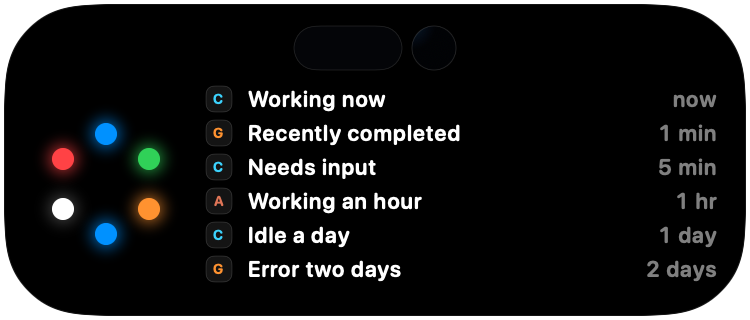
Dynamic Island
While a Live Activity is active, check the status ring as you use other apps. Press and hold to expand the chat list.
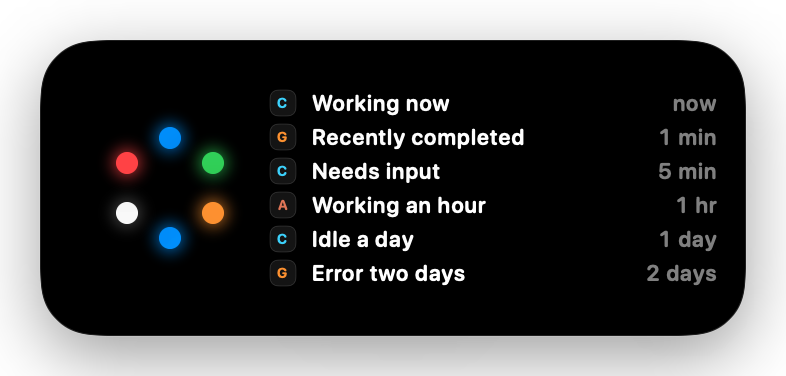
Lock Screen Live Activity
See the same chats and update times on your Lock Screen, without opening Agent Maxer.
9:41
Compact Dynamic Island
Expanded Dynamic Island
9:41
Friday, August 289:41
Lock Screen Live Activity
Native app previews. Sample chat data.
Privacy
Repository contents stay off the Bridge.
Agent Maxer uses a hosted service to update devices signed in to your account. Status includes chat IDs, titles, providers, state, times, and usage data. Titles and optional encrypted speech responses can contain conversation text; repository contents, command output, and agent credentials are not status fields.
Chat IDs, titles, providers, status, update times, and usage data
Optional speech
After Mac consent, Codex final responses encrypted on your Mac and decrypted on your iPhone
Get Agent Maxer.
Start on your Mac, then sign in to the same Agent Maxer account on your iPhone. The Mac app provides the chat updates and usage data for your other devices.
For Mac
Connect your agents and view their chat status and usage.
For iPhone
Sign in with the same account for Live Activities, Dynamic Island, and widgets.